Search results
-
T
Texecom 48 install....East London
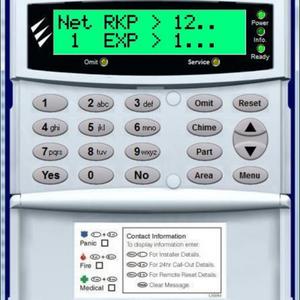
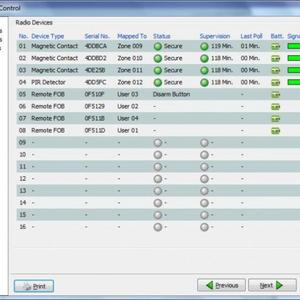
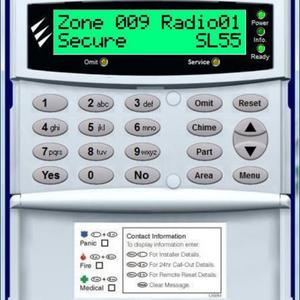
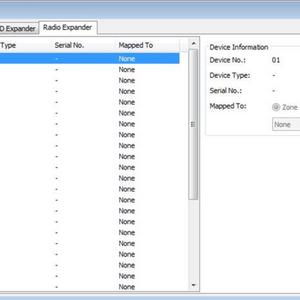
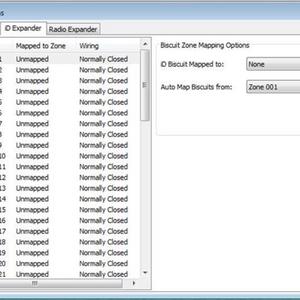
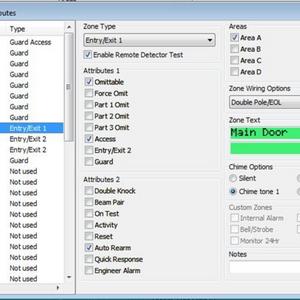
Hmmm Thats strange cause on the keypad it tells me that for example the first door contact is mapped to Zone 9 Not sure what else Im suppose to do in wintex as I cant seem to see any other options........- Tazer
- Post #104
- Forum: Alarms, CCTV & Telephones
-
T
Texecom 48 install....East London
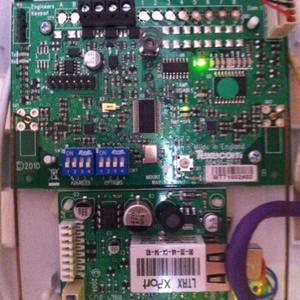
Morning All Alarm - Well you gave me the guidance for the actual installation which was very greatful Adrian - Final touches to the system, once finished should have a proper working Alarm system :D Panel Version: I have the Premier 48 version 8.17 Wireless Expander: dip Switch...- Tazer
- Post #102
- Forum: Alarms, CCTV & Telephones
-
T
Texecom 48 install....East London
No a prob Adrian, apprecaite all the help. Main entry point is only at the front of the house which is the main door, near the bay window side The storage door is abit deciving, you do have to come into the main door first then enter throgh the 2nd door to get to the storage place...- Tazer
- Post #98
- Forum: Alarms, CCTV & Telephones
-
T
Texecom ComIP Help needed
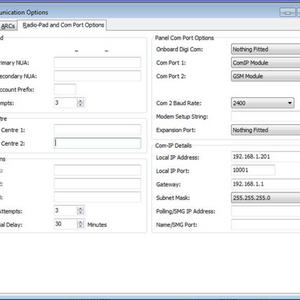
Hi Bucks As Adrian suggested you will need to know the basics of setting a static IP address. To start you will need to know what your router IP address is. Quickest way to find out is to go to command prompt in windows Start -> run -> cmd on the black screen type in ipconfig This...- Tazer
- Post #8
- Forum: Alarms, CCTV & Telephones
-
T
Texecom 48 install....East London
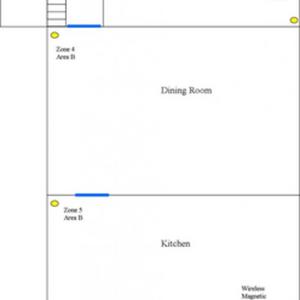
Lol no address, I was even going to through a set of spare keys under the mat :P Ok here we go, Heres a rough sketch of the ground floor 1st floor hall way landing 2nd floor landing. I have all the wireless items 3x Door contacts and 1x PIR mapped to Area A...- Tazer
- Post #96
- Forum: Alarms, CCTV & Telephones
-
T
Texecom 48 install....East London
Hi All, Thanks for the feedback Ok, Ive now changed the settings to Instant Alarm and also Ive put all the wireless items into Zone 1 where as before 3 Door contacts was on Zone 1 and one wireless PIR on zone 2 same as the other hard wired items. This has now been moved to all Zone 1...- Tazer
- Post #92
- Forum: Alarms, CCTV & Telephones
-
T
Texecom 48 install....East London
Hi All, Ok Ive now carried out the tests as mentioned earlier 1: change to instant alarm; Got the same problem, when you arm the system for Zone A same problem one continous beep/ noise and nothing happens and the only choice you have is to manually disarm the system 2: Pictures...- Tazer
- Post #89
- Forum: Alarms, CCTV & Telephones