Search results
-
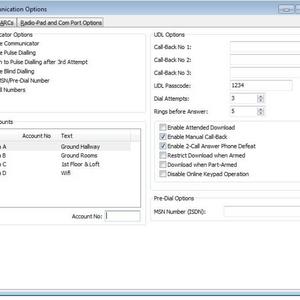
Coms Options
- Tazer
- Media item
- Comments: 1
- Album: Alarm
-
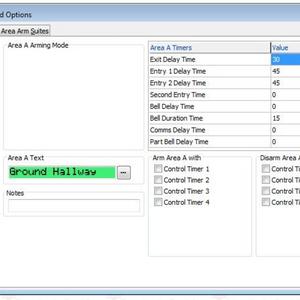
Area Timers
- Tazer
- Media item
- Comments: 1
- Album: Alarm
-
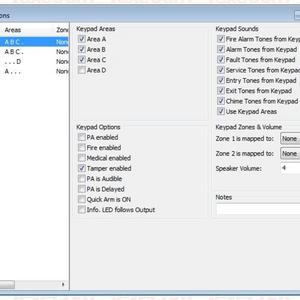
KeyPad Options
- Tazer
- Media item
- Comments: 1
- Album: Alarm
-
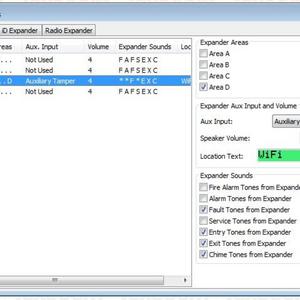
Expander Options
- Tazer
- Media item
- Comments: 1
- Album: Alarm
-
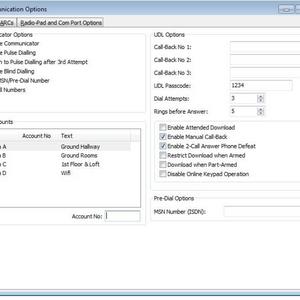
Comms Options
- Tazer
- Media item
- Comments: 0
- Album: Alarm
-
T
Texecom 48 install....East London
Thanks all. Looks like its the power Just before I go and get all the powers into the PIRs Do I wire all PIR power in the one AUX + - so pretty much all 8 PIRS will be getting the power from the AUX.- Tazer
- Post #50
- Forum: Alarms, CCTV & Telephones
-
T
Texecom 48 install....East London
Thats right, it has the onboard dip switches. Ive got no LED status on the PIRs and the DIPs are definatley set on LED on and not off.- Tazer
- Post #48
- Forum: Alarms, CCTV & Telephones
-
T
Texecom 48 install....East London
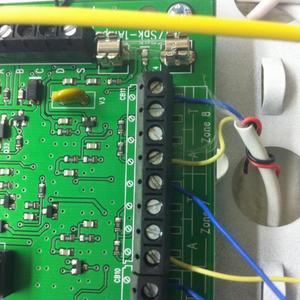
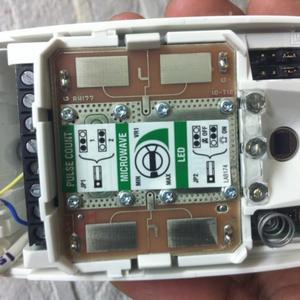
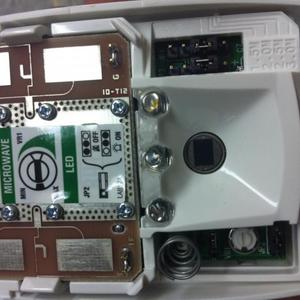
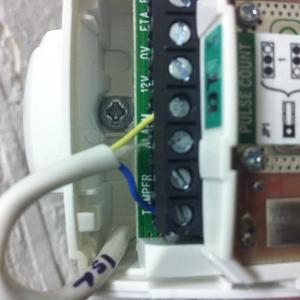
Hi Alarm Looks like Im still having problems configuring the alarm. I get a reading from the PIR but when I do the walk test, it says nothing detected. Ive taken some pictures below on how the wiring is Also still cant seem to get the wirelss expander working, sorry...- Tazer
- Post #43
- Forum: Alarms, CCTV & Telephones
-
T
Texecom 48 install....East London
Hi Alarm Thanks for your comments. Havent had a chance to revist the Alarm since your last message. Had to finish of the painting in the Kitchen and Dining room area as this week its being fitted out. Ok, I went back to the Alarm over the weekend and I have definatley assigned Zones...- Tazer
- Post #41
- Forum: Alarms, CCTV & Telephones
-
T
Texecom 48 install....East London
Thanks goot thing you told me about that. Ok Ive managed to sort most of the panel out. Looped the AUX (near the bell), also wired a loop on the bell between 0v and Tamper. Ran through the start up process and got most things working. Now heres the difficult bit: Ive got two error...- Tazer
- Post #39
- Forum: Alarms, CCTV & Telephones
-
T
Texecom 48 install....East London
Hi Alarm, Looks like post currently unavilable from yesterdays Q&A so didnt quite catch your responce. Two questions: 1: How do I link out the Aux bit, do I loop a wire from one terminal to the other? Or do I put some sort of resistor in. Manual does really tell me HOW to do this. 2...- Tazer
- Post #35
- Forum: Alarms, CCTV & Telephones
-
T
Texecom 48 install....East London
Hi Alarm Sorry to bug you again about the linking out....still not sure exactly what to do You say Into the two Aux terminals. Link it out...but how...what do I have to do e.g. do i put a resistor in there, or a wire and loop it? Sorry to be dump about this not familar with the...- Tazer
- Post #33
- Forum: Alarms, CCTV & Telephones
-
T
Texecom 48 install....East London
Yeah thats right, ComIP is only used for management of network purposes or diagnostics. Reason why I purchased it was for the wintex programming aspect then uploading the sofware. Havent got to that bit just yet. Had a busy weekend in other DIY-ing bits and pieces but will get back to the...- Tazer
- Post #31
- Forum: Alarms, CCTV & Telephones
-
T
Texecom 48 install....East London
I'm not using any Aux device how would I disable? Also I've found the comIP device have now plugged that in how do I assign it an ip address? Been a long day so will take a look at it again tomorrow Thanks for all your help guys- Tazer
- Post #27
- Forum: Alarms, CCTV & Telephones
-
T
Texecom 48 install....East London
Hi Alarm Got another problem. I've now officially powered on the system (I didn't connect the bell) thought best not to until the configuration has been sorted. At the moment all I get is the two keypads making an alarm bell sound and giving me a whole bunch of errors. I've put the...- Tazer
- Post #24
- Forum: Alarms, CCTV & Telephones