

Using the Texecom Connect app I attempted to add a Camera and test connectivity, however as I didn't put the correct image command in I went back in to try and edit it or delete it. As far as I can see there is no way to do either, the 3 vertical dots only allow you to change Name or Room.
Now I seem to be stuck with 2 cameras that I cant remove. These details must be stored on the Smartcom or in the Texecom cloud as the details appear on other devices that run the app. I've tried login in as a user, engineer and master but there seems to be no options.
Any help would be grateful.
Cheers
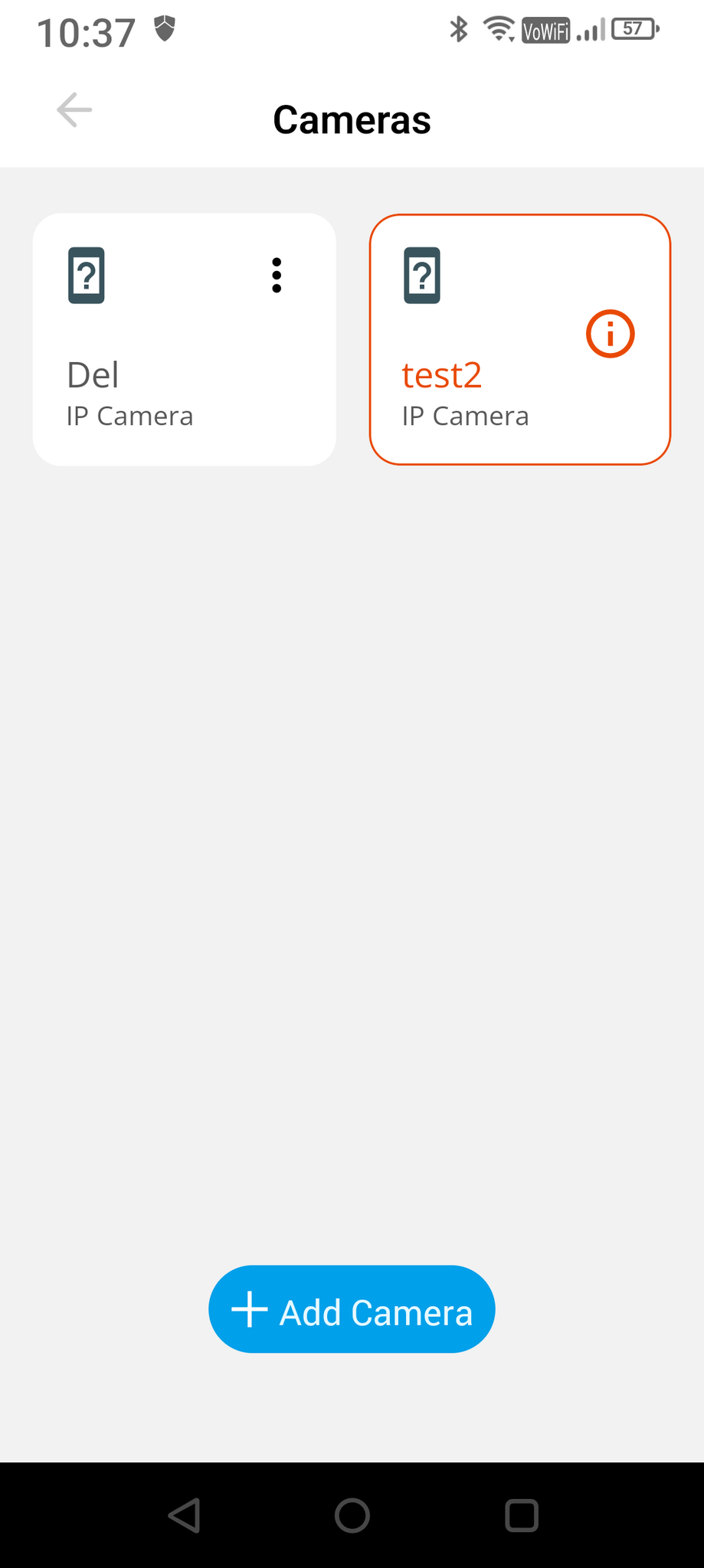
Now I seem to be stuck with 2 cameras that I cant remove. These details must be stored on the Smartcom or in the Texecom cloud as the details appear on other devices that run the app. I've tried login in as a user, engineer and master but there seems to be no options.
Any help would be grateful.
Cheers


