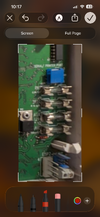
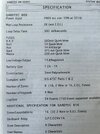
Gardtec 800 alarm, change fuse

Joined
7 Jun 2026
Messages
6
Reaction score
0
Country
United Kingdom
Hi,

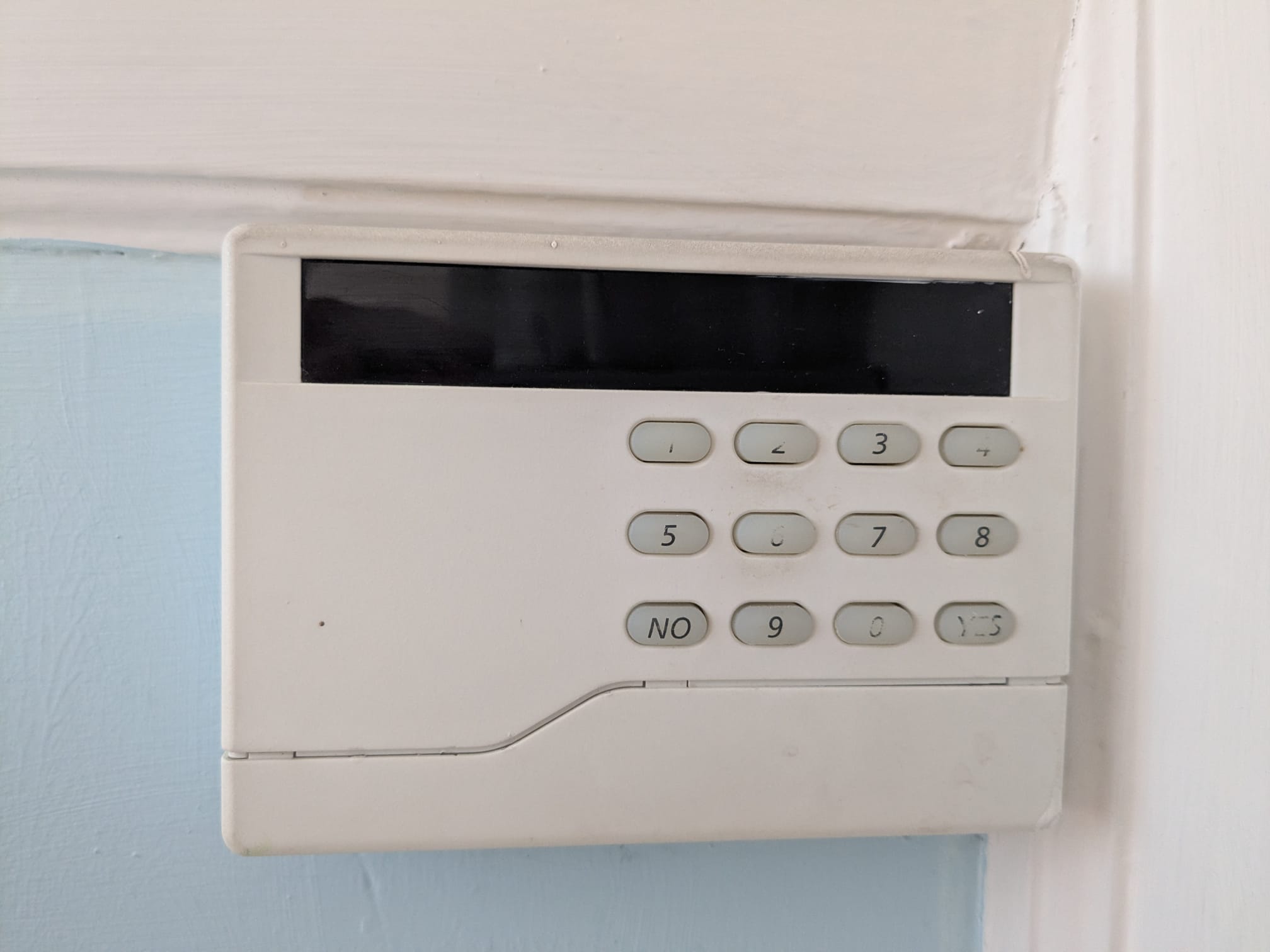
I believe I blew the fuse on my alarm and need to change it in the control panel on the photo. Would someone know how to open it? I tried leveraging the narrow cover at the bottom with a screwdriver but it didn’t move.
The alarm system was installed in 2000.

Yesterday I replaced a faulty Shockgard sensor with a Shockgard 3 sensor and must have allowed the red and black cables to touch. This google tells me causes a blown fuse and the LED display on the panel stays black.

Any advice welcome.

Regards
Blackredgold
WhatsApp Image 2026-06-07 at 08.41.19.jpeg
 
The fuse isn’t in there …there’s a plain box about 20x 15 cm probably a plastic one all the fuses are inside that
 
Thanks sparkymarka for clarifying. I thought an alarm had an additional fuse but it turns out the panel seems to be linked just to my normal fuse box.
As highlighted on the photo, the alarm is linked to the upstairs lights, which work fine.

Would you have any other idea how to reactivate the alarm panel?
WhatsApp Image 2026-06-07 at 09.37.28.jpeg
 
U need to find the main control panel for the alarm. The first picture is the remote keypad, the second picture is your MCB. Neither of these have the fuse in that you are looking for. If its on upstairs lighting circuit u may find it in the loft.
 
Thanks again, I found the box. The 3 amp fuse in the white box next to it was not blown. Is there anywhere else in this wild tangle of wires where I could check, without making things worse?

1780904378988.png
 
I noticed this tiny fuse was wedged into this clip. Surely it's only there as a a spare to be used elsewhere. Google lens tells me it's a 80OMA 20mm Glass Quick Fast Blow Fuse.
Perhaps that's a clue what to do next.
1780910283681.png


1780910310985.png
 
I use the spare fuse to replace the top fuse and nothing happened. I think when using the spare on the third the display on the control panel illuminated again, showing "PC", powercut (I cannot quite remember if I actually replaced the plastic cover on the fuse box after replacing fuses 1 and 2 but anyway, the panel is 'live' again). I tried to reset the alarm with the code but it ends with number 24, the sensor I have replaced, obviously not correctly. Also, this illuminated dot appears. Maybe it's always been there, just that I didn't notice.

1780912496896.png
 
I'm nervous the alarm will go off again if I fiddle around even more. It then cuts out after 20 mins but makes the dog crazy. I'm at the stage of getting the installer in - unless someone has an easy solution.
 
Think it’s time you called an alarm engineer.

Fuses are designed to function for the loads being applied.

You should replace fuses like for like, but fuses will blow repeatedly if the issue causing them to blow isn’t resolved before fuse is replaced.
 
If you have a cheap meter you can do a continuity test on the fuse, to check if it’s good before you put it in and blown afterwards
 
Strange thing is …..the end station is a a 816 the keypad is a 580/370 style keypad ….ive never seen that type of LED keypad on a 800 series ? They have allways been the contour LED or the original LED with the small flap to one side ?
 

If you need to find a tradesperson to get your job done, please try our local search below, or if you are doing it yourself you can find suppliers local to you.

Select the supplier or trade you require, enter your location to begin your search.


Are you a trade or supplier? You can create your listing free at DIYnot Local

 
Back
Top