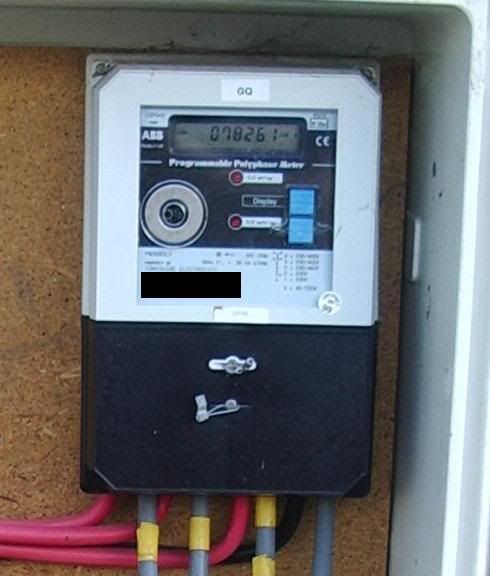
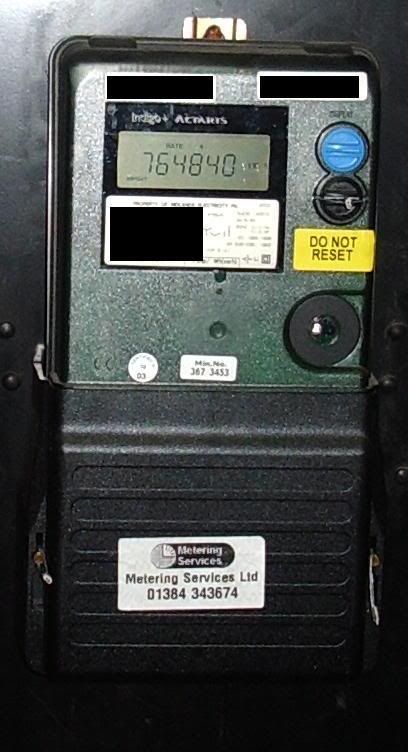
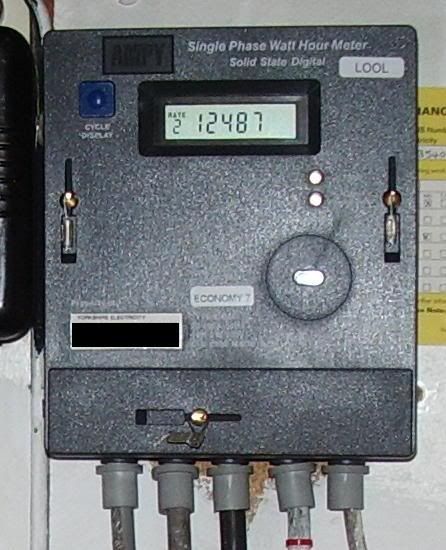
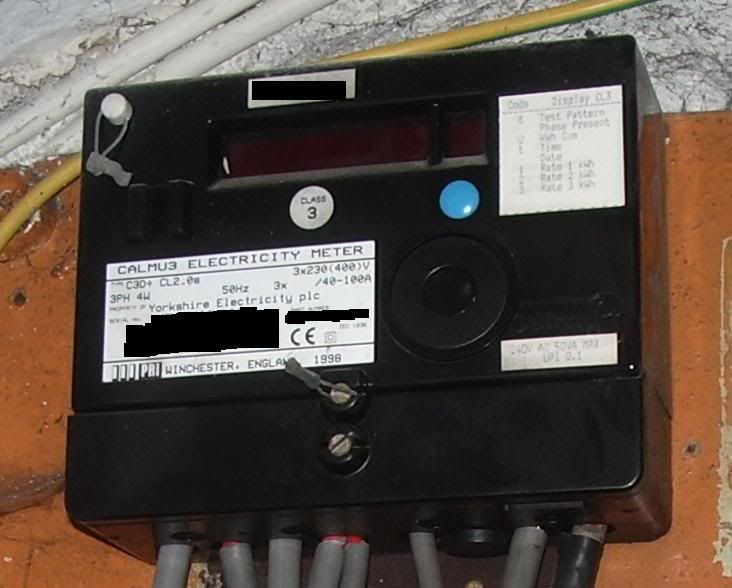
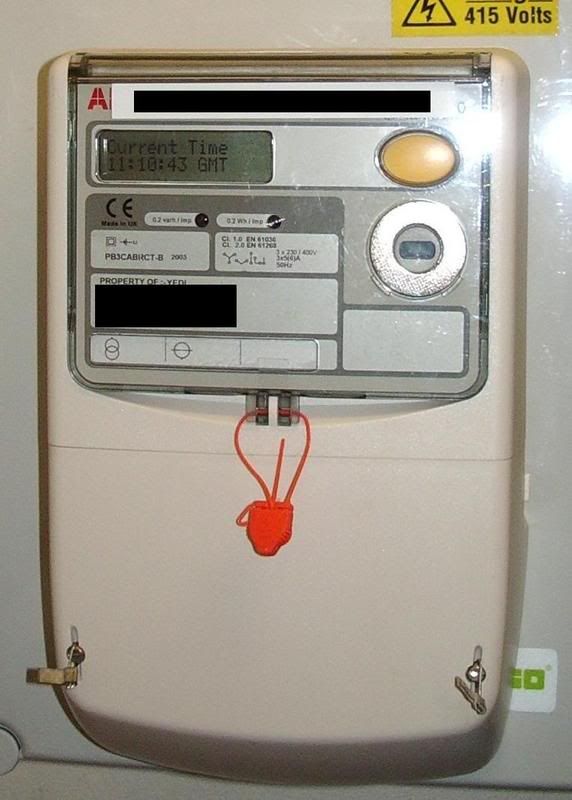
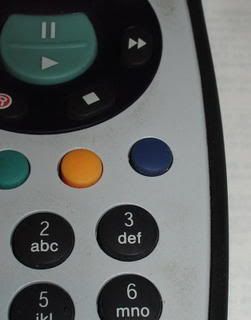
By pressing the blue reference button on the meter, the display will show (in this order):
Time
Today's date
Test screen
Meter reading for Rate 1A - Day Rate (General usage, daytime)
Meter reading for Rate 2A - Night Rate (General usage, night time)
Dummy display - just ignore this
Meter reading for Rate 2B - Heat Rate (Storage space and water heating)
Although various meter brands can differ slightly.
date
time
phase 1
phase 2
phase 3
total
rate 1
rate 2
rate 3
kvh demand (or somesuch nonsense)
test screen
bob it could do any of the above. however if there is no indication on the display of what it is showing, there should be a sticker placed close by with an explanation of the display cycle. However it should be obvious what its showing you. For example if the screen says 200707 i would guess at the date, being the 20th of july. 182536 would be the time, changing every second.
I can think of 3 different meter types off the top of my head that have a blue button on them.
All made by different manufacturers,
All made to do different things ( tariff etc).
All reprogramable to show/ do different things when the button is pressed.
If you need to find a tradesperson to get your job done, please try our local search below,
or if you are doing it yourself you can find suppliers local to you.
Select the supplier or trade you require, enter your location to begin your search.
Please select a service and enter a location to continue...
Are you a trade or supplier? You can create your listing free at DIYnot Local