I only wanted to change the switch!

Joined
17 Sep 2018
Messages
31
Reaction score
6
Country
United Kingdom
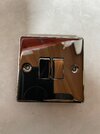
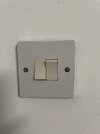
I’m just going through our bungalow changing the (very) old used-to-be white switches with modern nickel ones. Doing quite well - until today!
In the kitchen there is a double switch, so I bought a new one which looked the same. Incidentally, we’ve been in the bungalow for 6 months, and I still haven’t discovered what the second switch is for!
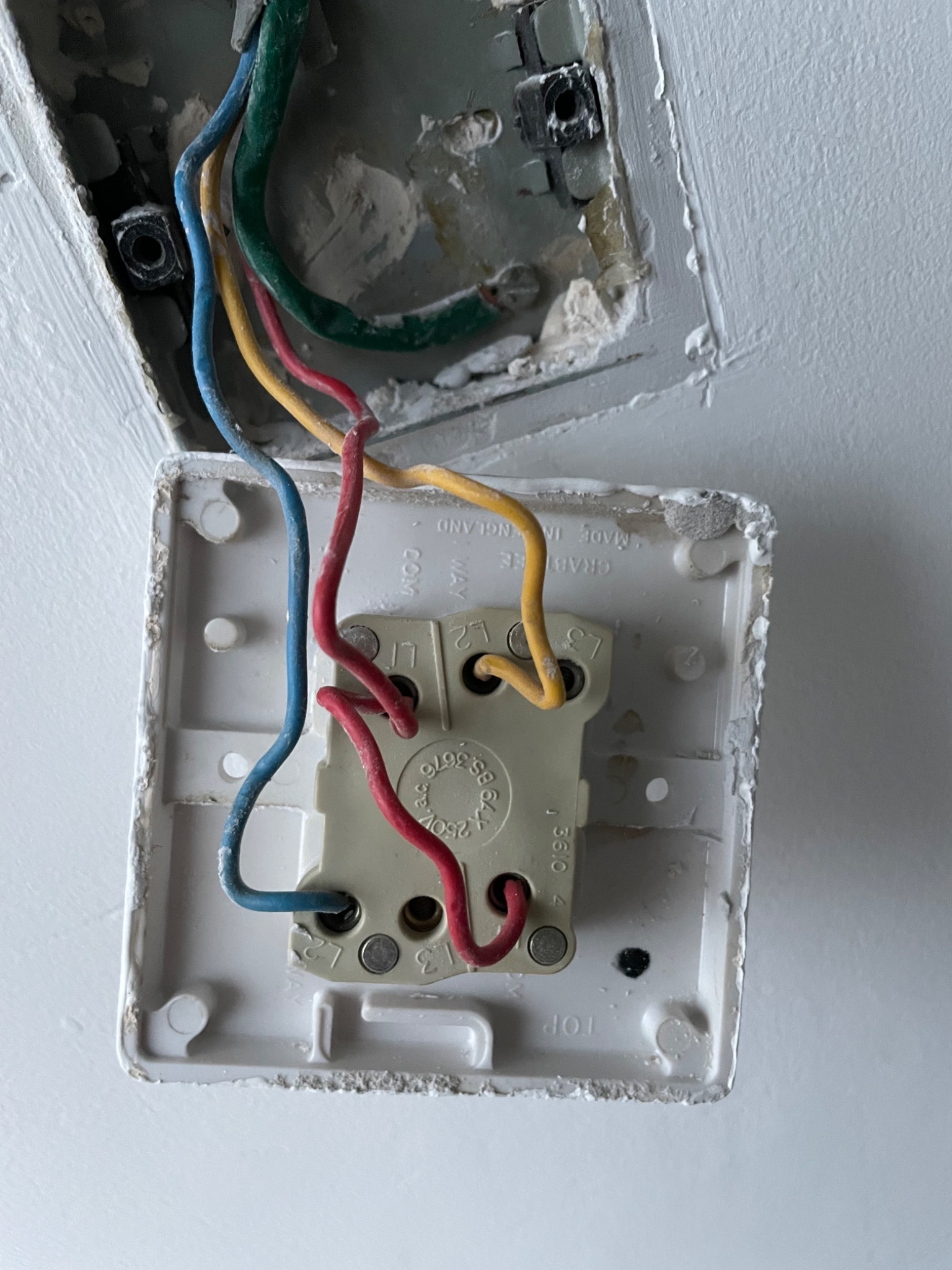
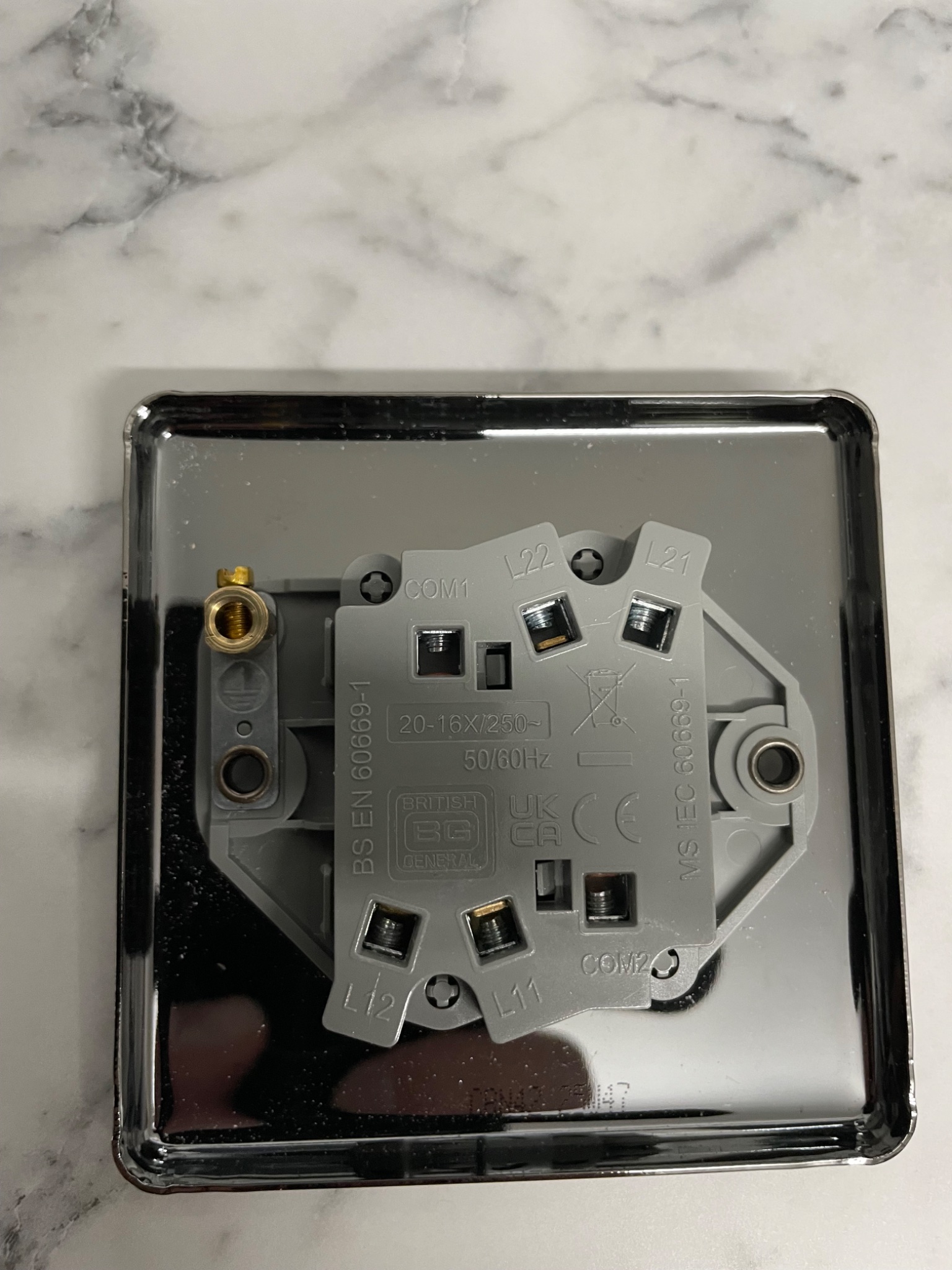
When I unscrewed the old switch, the inside looked nothing like the new one, in fact, I’ve never seen anything like it! I’ve attached photos below. Can anyone give me an idea of what goes where?!
IMG_2915.jpeg
IMG_2916.jpeg
IMG_2913.jpeg


IMG_2914.jpeg
 
Both switches are the same, it's just a labeling difference!

Red to COM1 and COM2
Blue to L11
Yellow to L21

IMPORTANT
MOVE THE GREEN SLEEVED WIRES CURRENTLY CONNECTED TO THE BACK BOX TO THE EARTH TERMINAL ON THE SWITCH
AND ADD A GREEN/YELLOW INSULATED OR SLEEVED LINK BETWEEN THE SWITCH EARTH TERMINAL AND THE BACK BOX!!!!

If either switch work the " wrong way round" swap the wire that's in its L*1 terminal to its L*2 terminal.
 
When I unscrewed the old switch, the inside looked nothing like the new one

It’s literally exactly the same. Same layout of terminals, even the same colour plastic. Did you post the wrong photos, or something?

As others have noted, it is most important that you get the earthing right (and ideally test it) when replacing plastic with metal.
 
It’s literally exactly the same. Same layout of terminals, even the same colour plastic. Did you post the wrong photos, or something?
Not “literally”, surely! The new one is labelled differently, and, in fact the plastic is a different colour. I apologise for my lack of photographic skills, but didn’t realise the colour was so important!

Thanks for all of your useful comments, guys. I’ve just done a couple so far. Both of them had earth terminals going into the earth sockets but I’ll go back and ensure that they’re also earthed to the back box. Thanks for taking the time to help.
 
When all done I would get a continuity tester and beep test all the new switches to a known earth, like a socket pin etc.
 
OK.
A two way switch is often but not always labelled Common, L1 and L2, so for one way switching use Com and L1 or Com and L2 (varies between manufactures).
Alternatively some label the termins as L1 (=Com), L2 (= L1) and L3 (=L2).
It`s just the different way they label the terminals.

A one way switch only has two terminals and can only be used as one way.
A two way switch has 3 terminals and can be used as a 1way or a two way.
An Intermediate switch has 4 terminals can be used as an intermediate switch or a one way or a two way switch

PS - Edited a bit cos of my poor eaxample of typos, sorry.
 
Last edited:
Good result then. OK.

The switching terminals lack of consistency between manufactures reminds me of one similarly related conversation a few years back.

Someone I knew was talking about a 4 plate ceiling rose - a bog standard sort of ceiling rose.
He kept talking about the switched L terminal being on the LH side of the rose rather than the RH side or vice versa.
I commented to him that it all depends upon which side RH or LH the manufacturer has decided to put that terminal on his product, I also told him to also check which each of the other terminals might be suitable for L, N, Loop etc and E of course and to read the diagram carefully if its include with the particular rose.
 
He kept talking about the switched L terminal being on the LH side of the rose rather than the RH side or vice versa.
  1. Descend the stepladder, and stand on the floor.
  2. Pick up the stepladder and turn it through 180°.
  3. Climb back up the stepladder.
 

If you need to find a tradesperson to get your job done, please try our local search below, or if you are doing it yourself you can find suppliers local to you.

Select the supplier or trade you require, enter your location to begin your search.


Are you a trade or supplier? You can create your listing free at DIYnot Local

 
Back
Top