

Every so often I cannot save Excel worksheet as it needs "Activate" to be actioned
I go to "Already have a subscription"
Email address appears and Next box which I click on gives following box
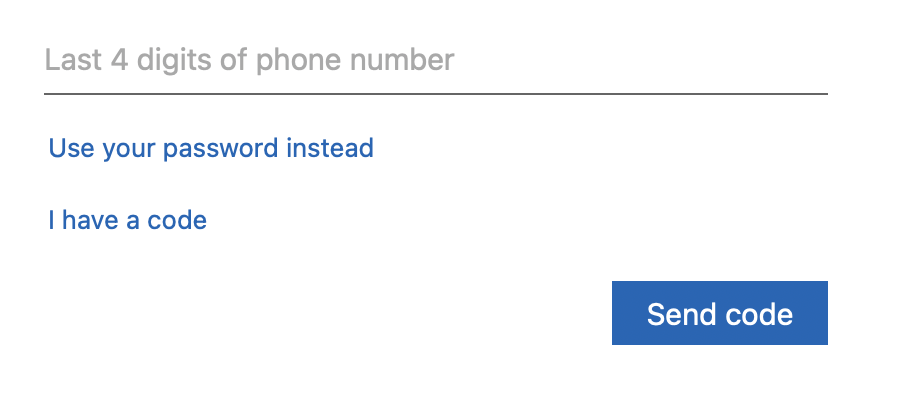
I enter password
I get following
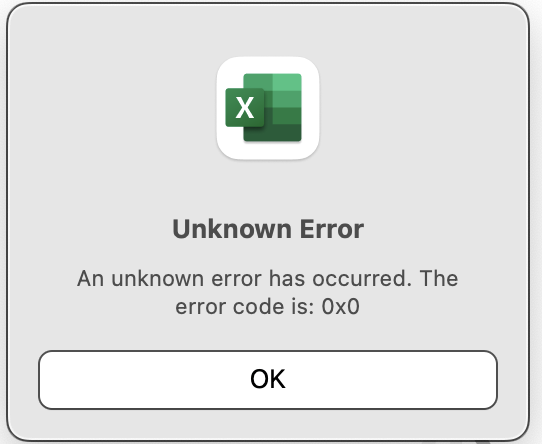
If I enter last 4 digits of phone number instead, then I am told
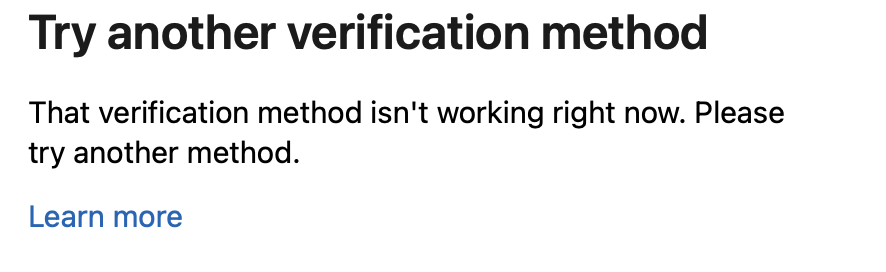
Does not say what to do next.
Is there a number I can call for help?
Any of you clever chaps, do you have a solution?
One link I got looks like a scam as is asking for £1.00 payment. Do not mind paying this small amount but do not know if it is a scam or genuine option
TIA
I go to "Already have a subscription"
Email address appears and Next box which I click on gives following box
I enter password
I get following
If I enter last 4 digits of phone number instead, then I am told
Does not say what to do next.
Is there a number I can call for help?
Any of you clever chaps, do you have a solution?
One link I got looks like a scam as is asking for £1.00 payment. Do not mind paying this small amount but do not know if it is a scam or genuine option
TIA


