RJ45 to USBC

Don't know. Can't see it on Device Care or Connections
You can also try on CMD.
The package took more than an hour to download. It was a zip file. I don't gave the size to hand. It took so long that the laptop timed out and I had to change all the sleep and power off settings.
But was it really down to Wi-Fi, though? There are quite a few other factors that can bottleneck large file transfers, things like the server limiting bandwidth, ISP throttling, background updates on the laptop, or even antivirus scanning the zip file as it’s downloading.
It took so long that the laptop timed out and I had to change all the sleep and power off settings.
Ah - that would disable the Wi-Fi until the laptop is woken up again.
 

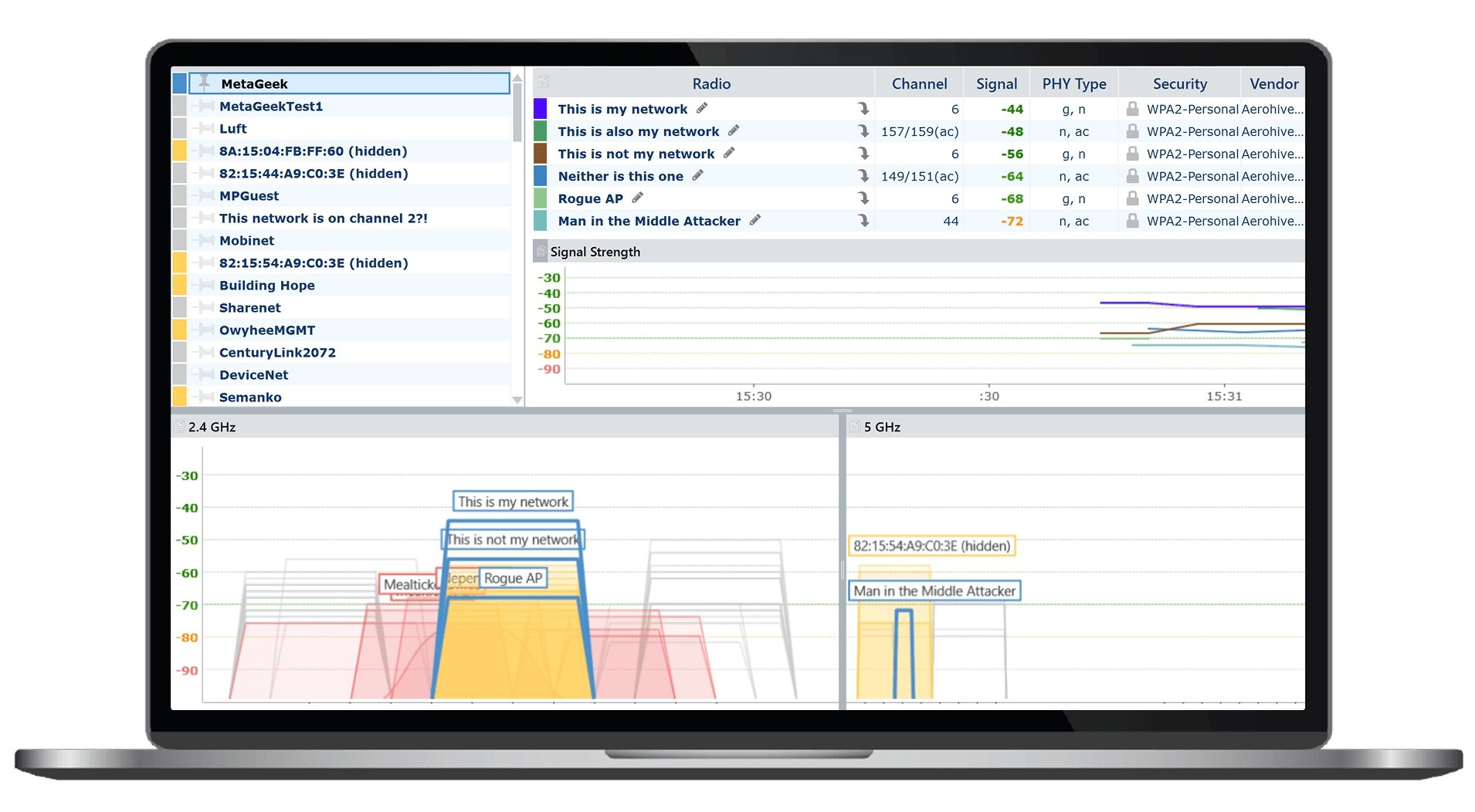
It is a (PC) wifi scanner program. It will show you which networks are in your immediate vicinity.
Thanks, I've downloaded the .exe file now, but it won't run install on my Android tablet. I've set unknown sources of apps to allowed from "my files" and Chrome.

I can get hold of a windows machine if necessary.
 
What sat nav map download was that? What car make?

With my Ford Galaxy the bottleneck was always their servers rather than my ISP / BT Openreach FTTC service; and my home wifi was never an issue. IIRC the downloads took well in excess of two hours for a file around the 25GB mark.
The install from a USB stick was an even worse experience :ROFLMAO:

I use < wifi analyzer > from the Play store; for all that will prove wrt your problem.
 
Thanks, I've downloaded the .exe file now, but it won't run install on my Android tablet. I've set unknown sources of apps to allowed from "my files" and Chrome.

I can get hold of a windows machine if necessary.

Sorry, I thought it was for your Windows laptop.

Search for a wifi scanner for Android.
 
Back
Top